Service Operations
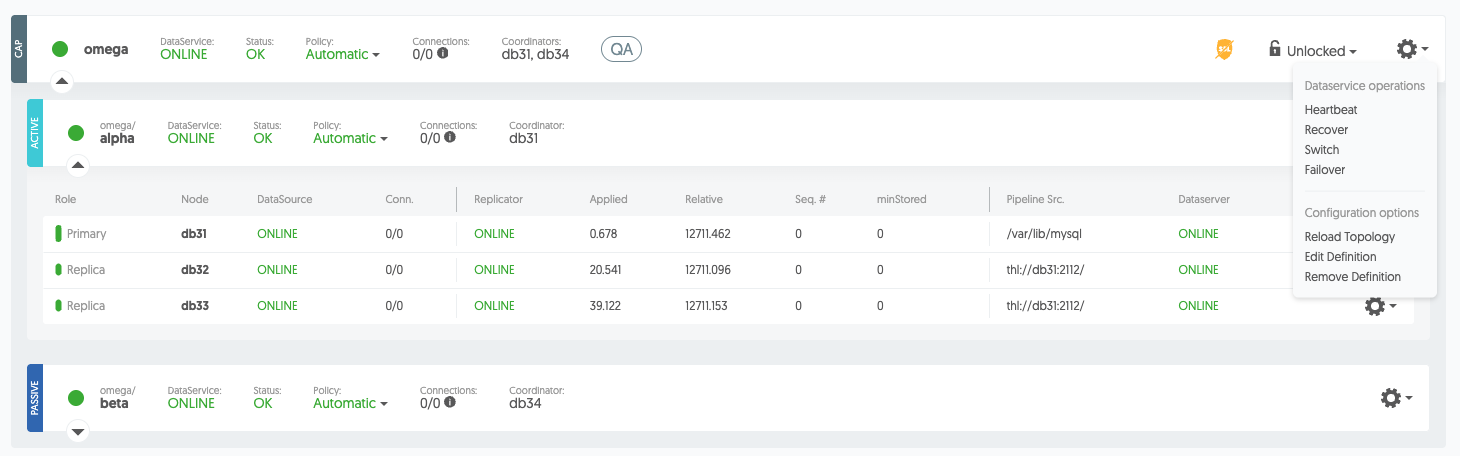
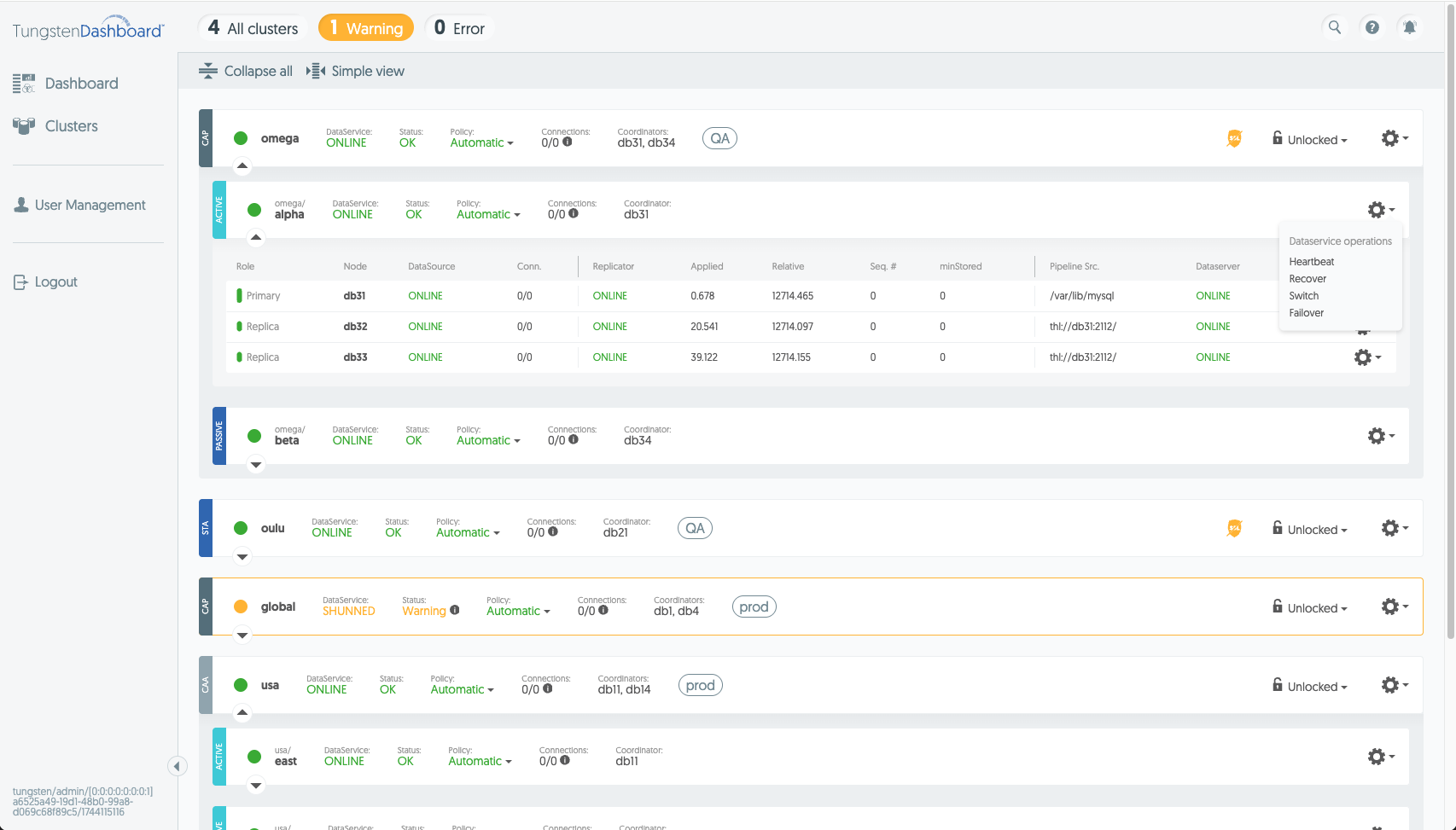
These actions can be used on standalone or composite services. They include cctrl operations
like cluster heartbeat, recover, switch and failover as well as changing
the cluster's policy.
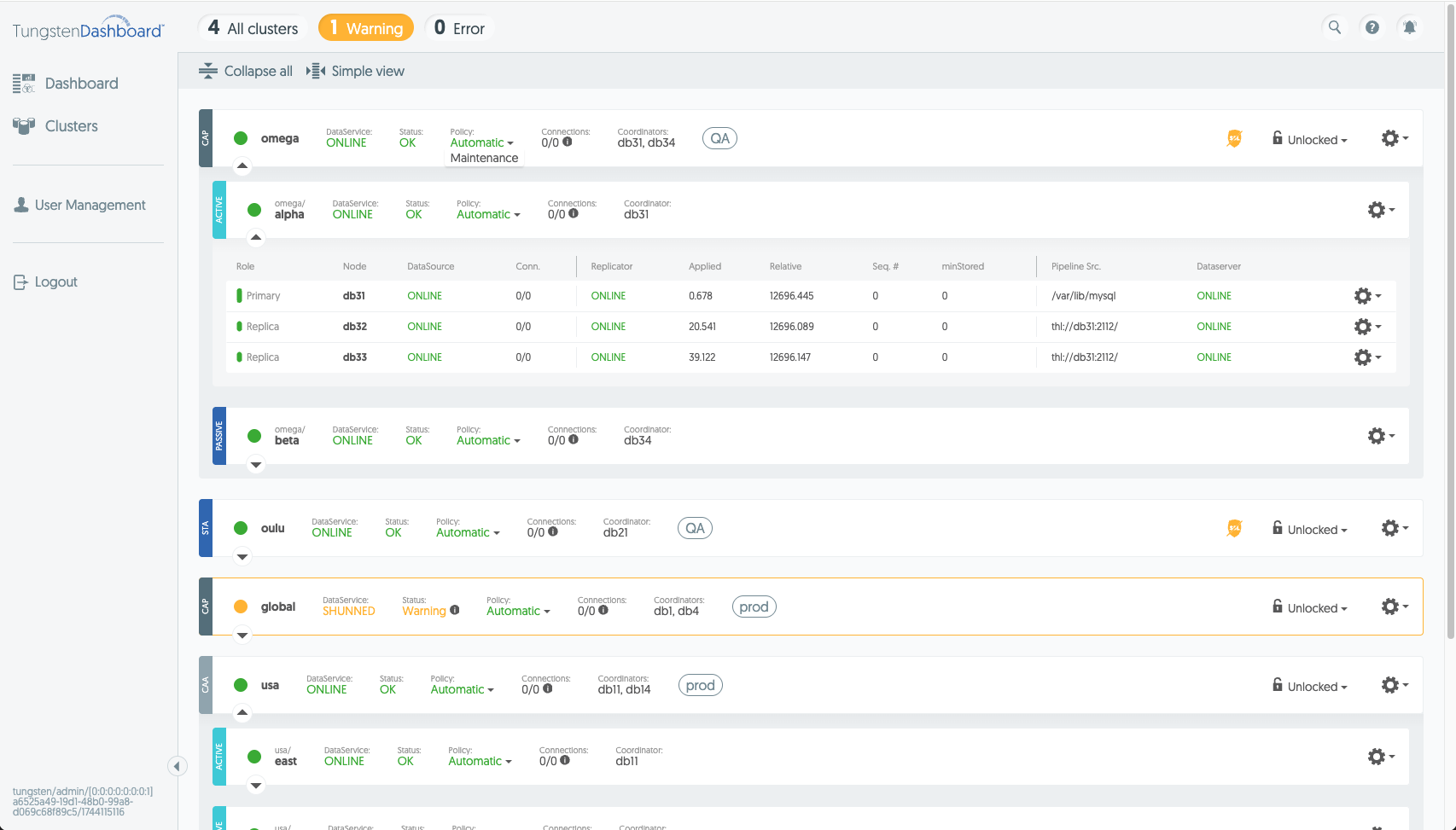
To change the policy for a service, click on the current policy displayed in the service header and then click on the desired new policy in the dropdown. In a composite cluster, you can set a different policy for each service individually.
To execute service operations do the following:
- Navigate to the clusters page
- Find the cluster you want to execute an operation on
- On the header row, click the "Policy" label and choose "Maintenance"
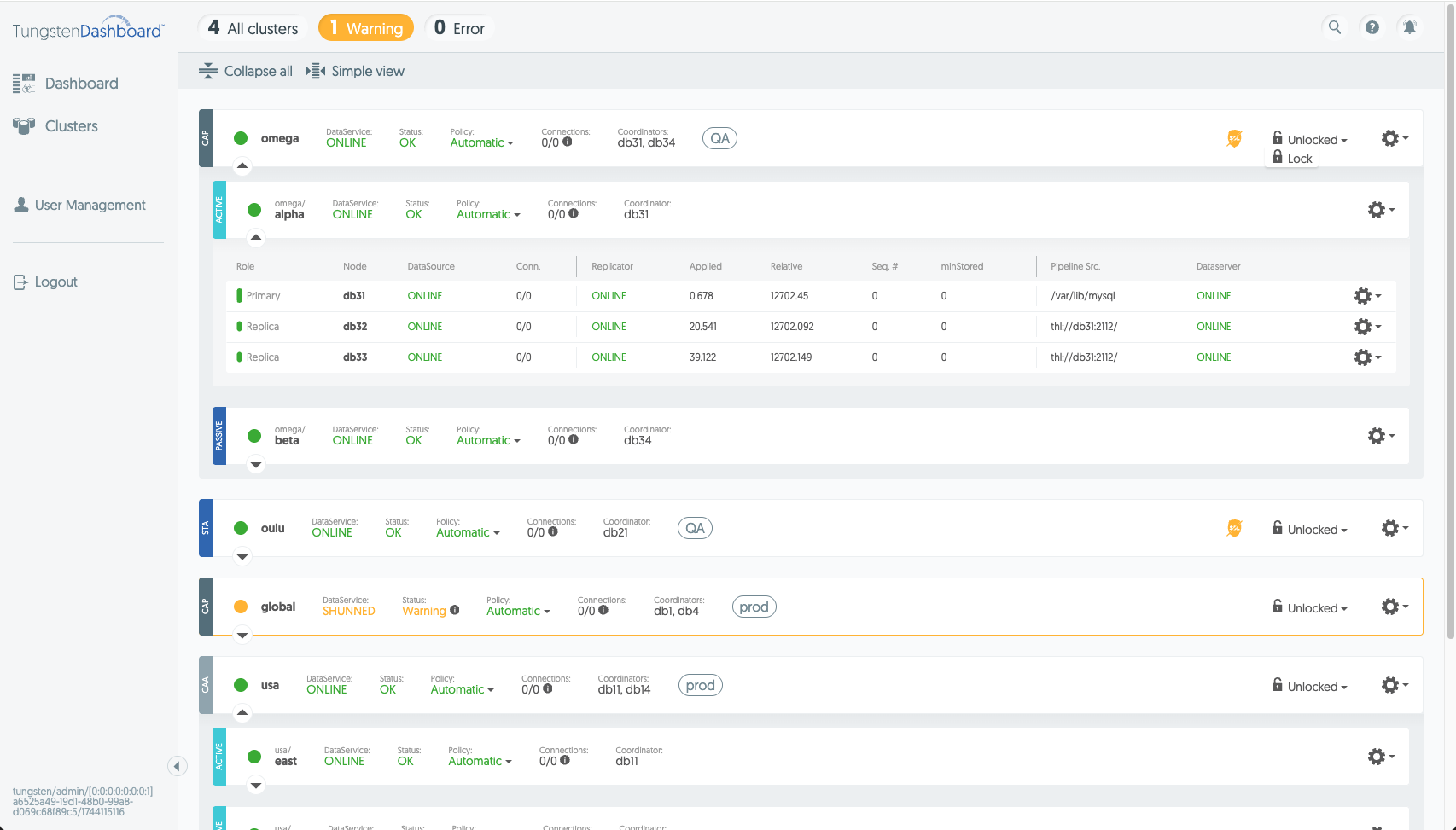
- Click the "unlocked" text and choose "lock"
- For composite clusters: expand the cluster using the down arrow on the left until you can see the service you are looking for
- Click the gear icon for the service to open the cluster operations menu for that service
- Select the operation you want to perform