Cluster Datasource and Replicator operations
To execute a host operation, please follow these steps:
- Navigate to clusters page
- Find the cluster you wish to perform the operation on
- Use the expand arrows on the left side of the service header to expand the services until you find the host row you are looking for
- Click the gear icon at the far right of the Datasource row to open the operations menu
- Select the operation you want to run on the cluster
note
The list of available operations depend on the Role of the host you are executing the operations on.
note
It is strongly recommended to set the service to MAINTENANCE policy before running any cluster-level operations
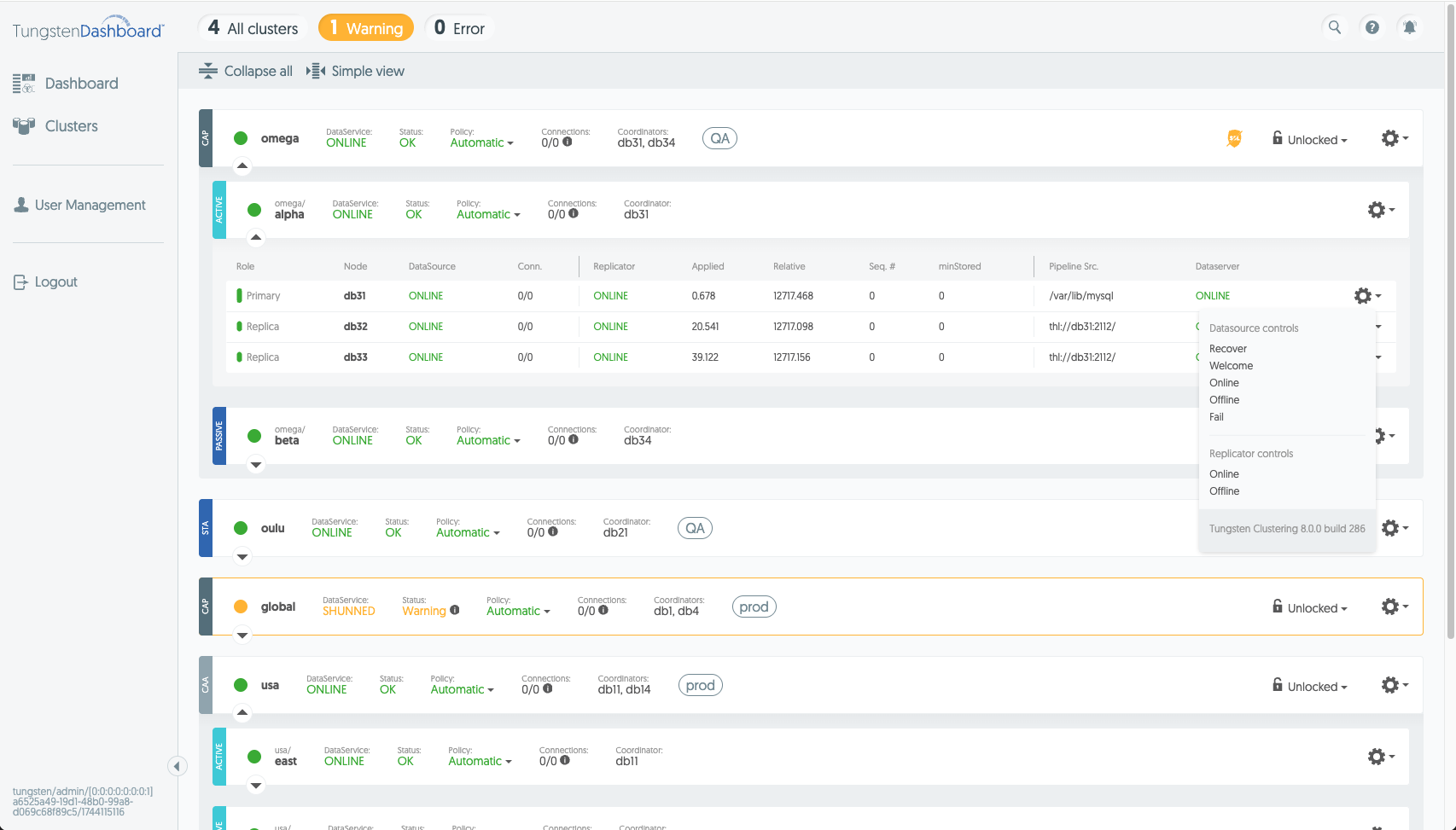
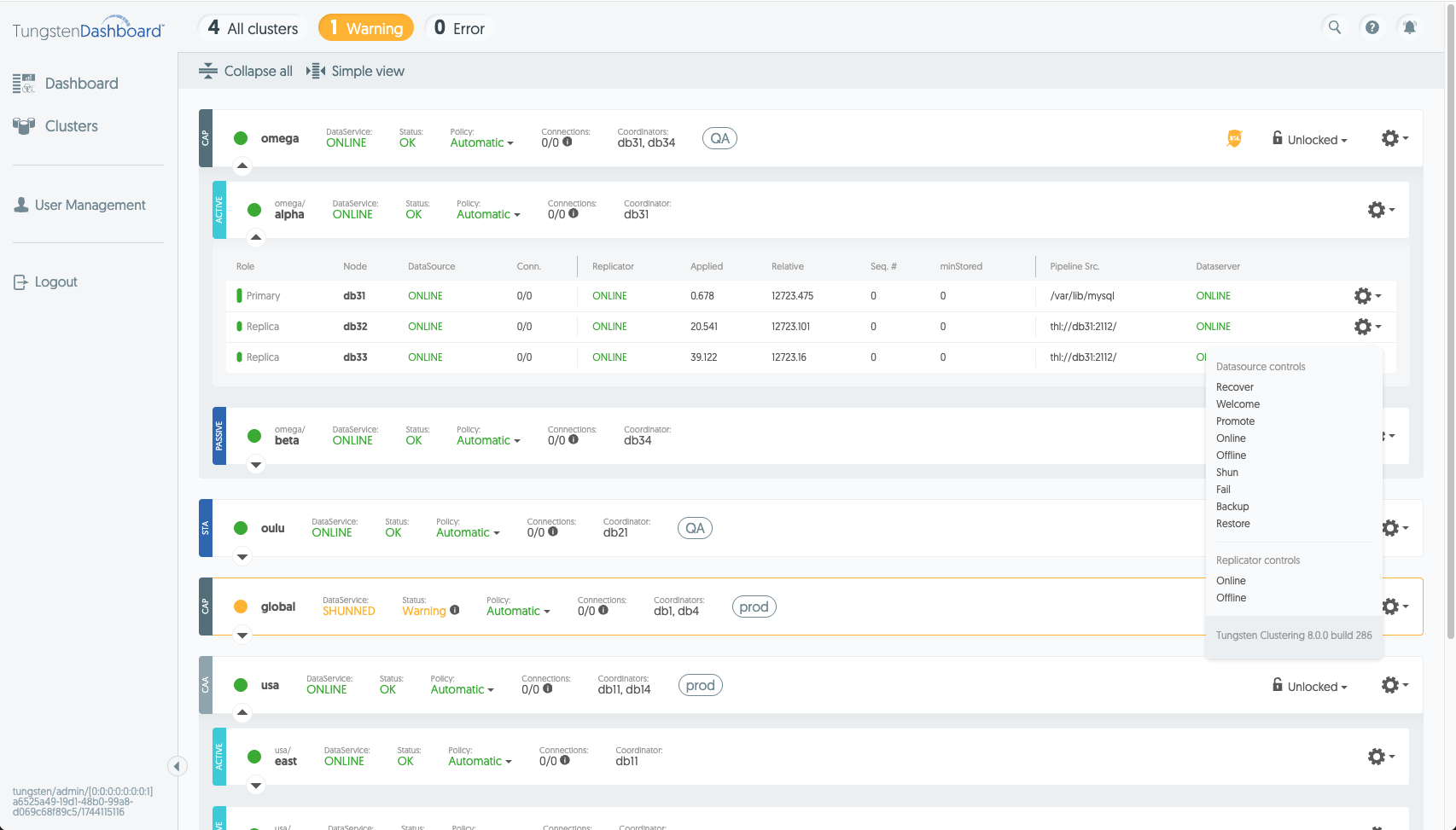
Once an action is clicked on, the operation will lock the service and block it from all Dashboard users for the duration of the operation. By default
the Dashboard has a 120-second timeout for operations. Please bear in mind that some actions may take much longer, especially with large clusters. For
these use-cases it is recommended to adjust the rest_timeout property in the config.json file.