Add Clusters
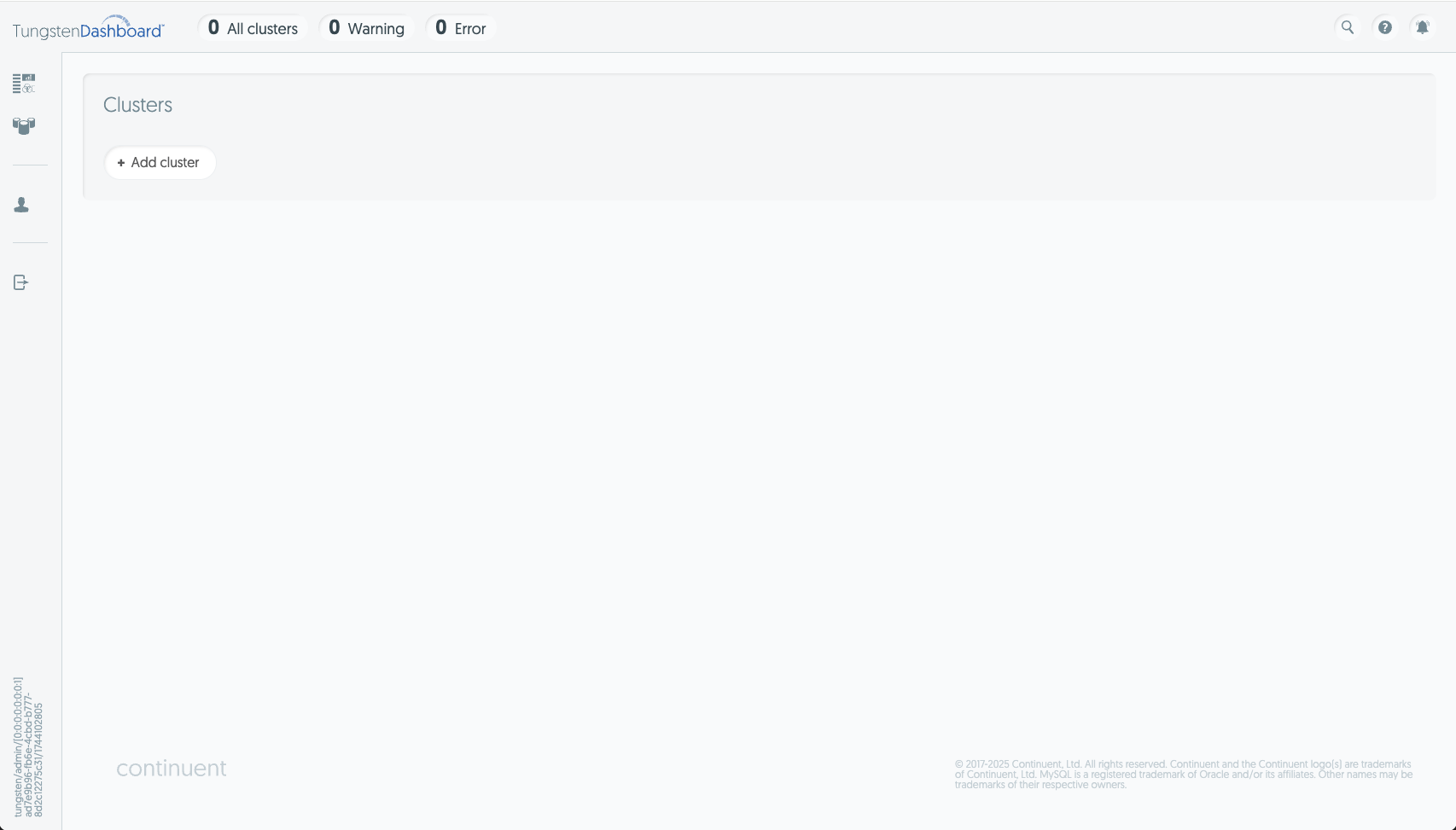
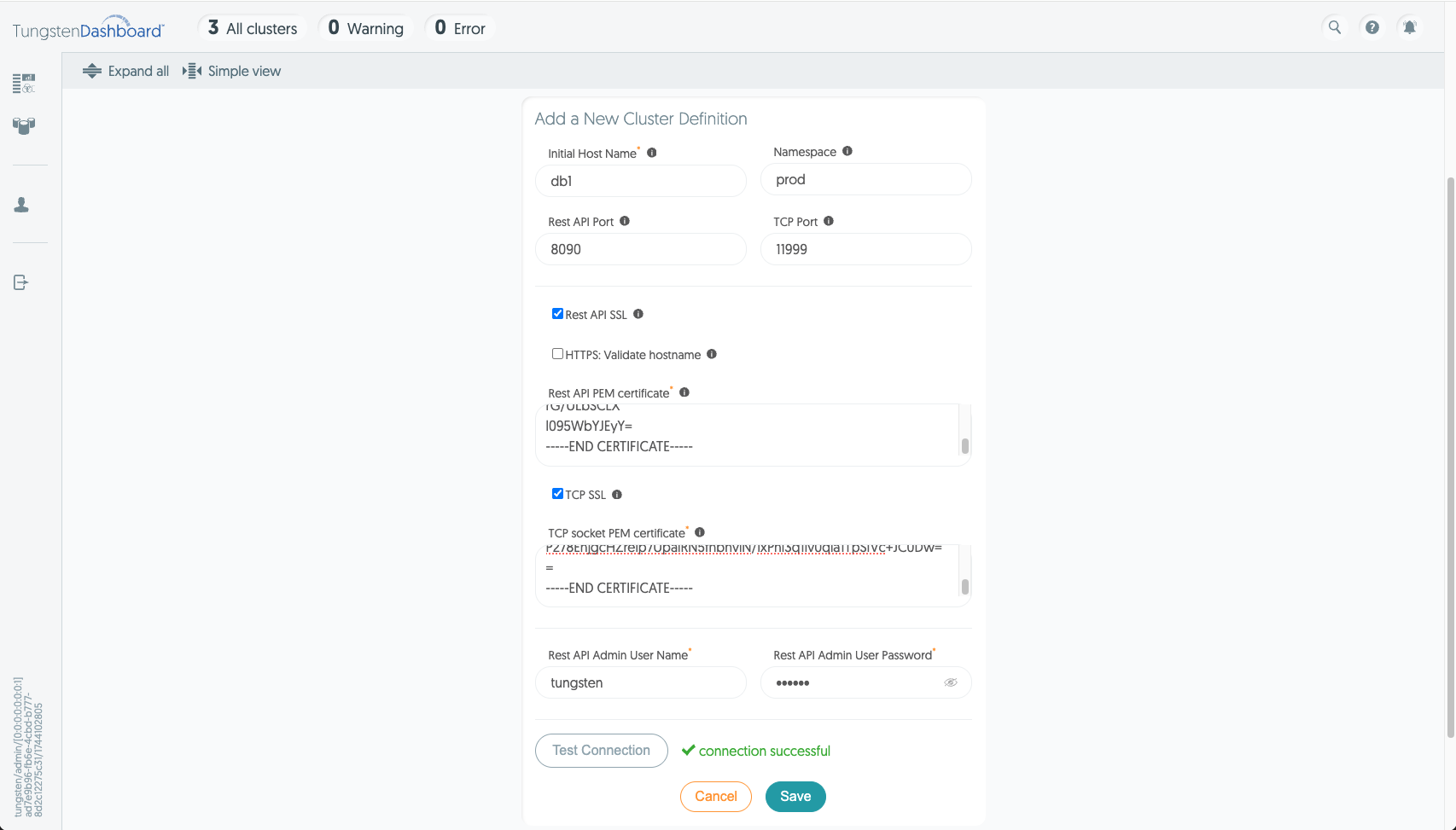
Once you've logged in, click the "Add cluster" button on the front page or the clusters page. This opens up a form which asks for the following details:
Initial hostname - i.e. db101.continuent.com
Namespace - optional tag for the cluster that can be used as a filter.
Rest API Port - optional port number if different from the default Manager Rest API port (8090).
TCP Port - optional TCP port for the Tungsten Router Gateway protocol if different from the default (11999).
Rest API and TCP SSL - Check the desired boxes to enable or disable SSL for each.
If enabled, a certificate must be provided. You can fetch both needed certificates using the provided
getcert.plscript included in the installation package, or perform the steps manually.WarningTungsten Cluster v8.0.0 uses different certificates for the API and TCP. Please fetch the certificate separately for each.
Credentials - add the RestAPI credentials of the v8 API for your cluster here.
Test connection - once you've filled the needed details click the test connection button to see if the dashboard can connect to the cluster given.
Finally click save to add the cluster to the Dashboard.
Dashboard works by retrieving the cluster's topology from the /api/v8/manager/cluster/topology endpoint. This endpoint returns host names
that the Dashboard attempts to connect to through its internal load balancer. These host names MUST be resolvable by the Dashboard instance.
Otherwise the Dashboard will not be able to connect even if the first connection from the connection test works.
When cluster connection details are added to the Dashboard, the changes are written to both the clusters.json
file and into the Dashboard's active memory. The Dashboard's Topology sub-system is aware when these changes occur, and will gather
the new details from the cluster via the RestAPI, then store the response into the /app/persistent/dynamic/clusters.edn
file, which keeps a map of the hosts by cluster.
When the Dashboard connects to a cluster, one host is selected for each service in the clusters.edn file, and that host
is then called via the Rest API to get the initial data for the cluster. This is followed by a TCP connection to the cluster which updates
the data in real time.
Each cluster connection is hosted in a virtual thread inside the JVM. If an error occurs, the Dashboard attempts to select a new host and restart the cluster connection unless the error is significant enough (i.e. "invalid certification" or credential data), at which point the Dashboard stops further connection attempts.