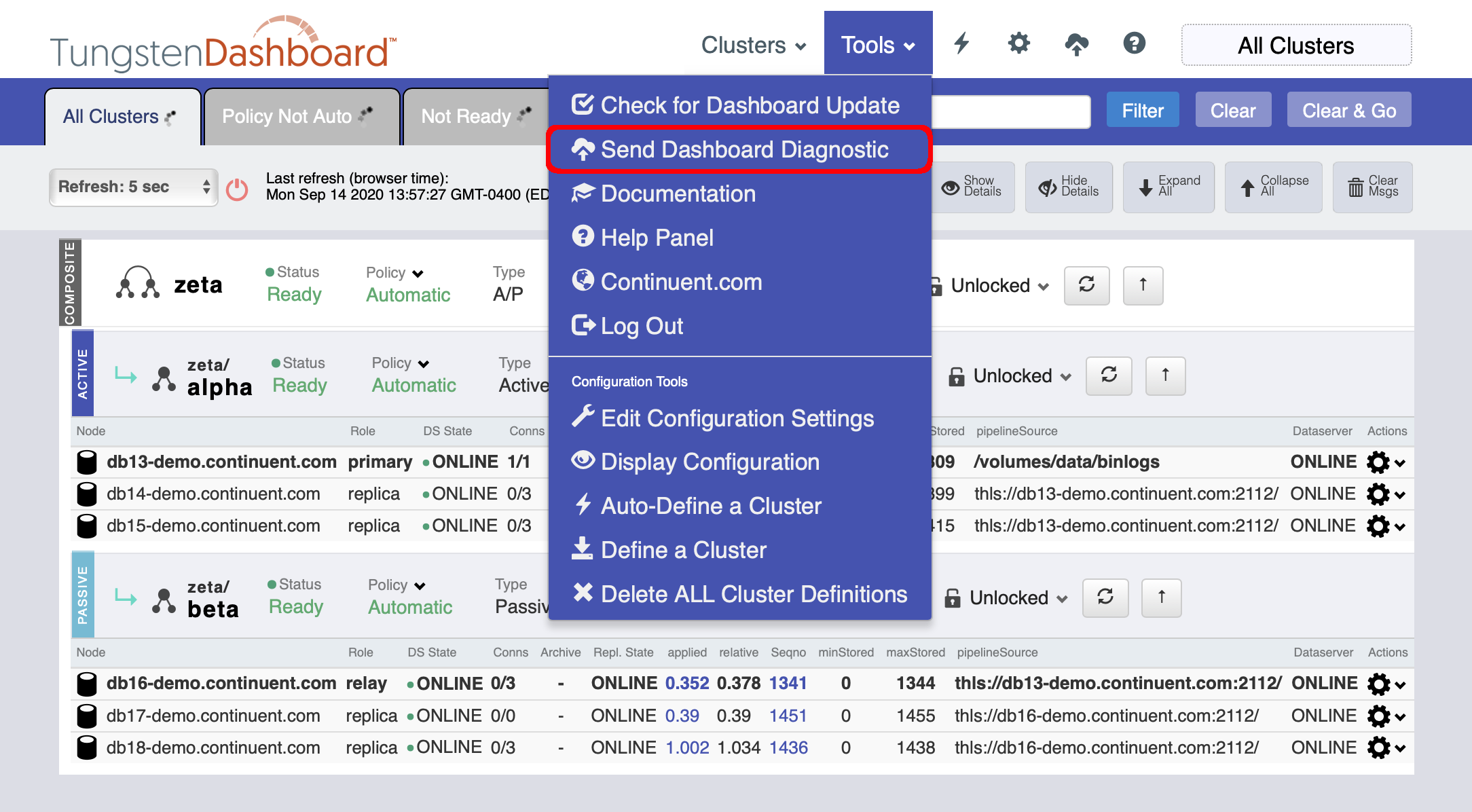
Send a Dashboard Diagnostic to Support
Upload a Dashboard Diagnostic Package to Continuent Support
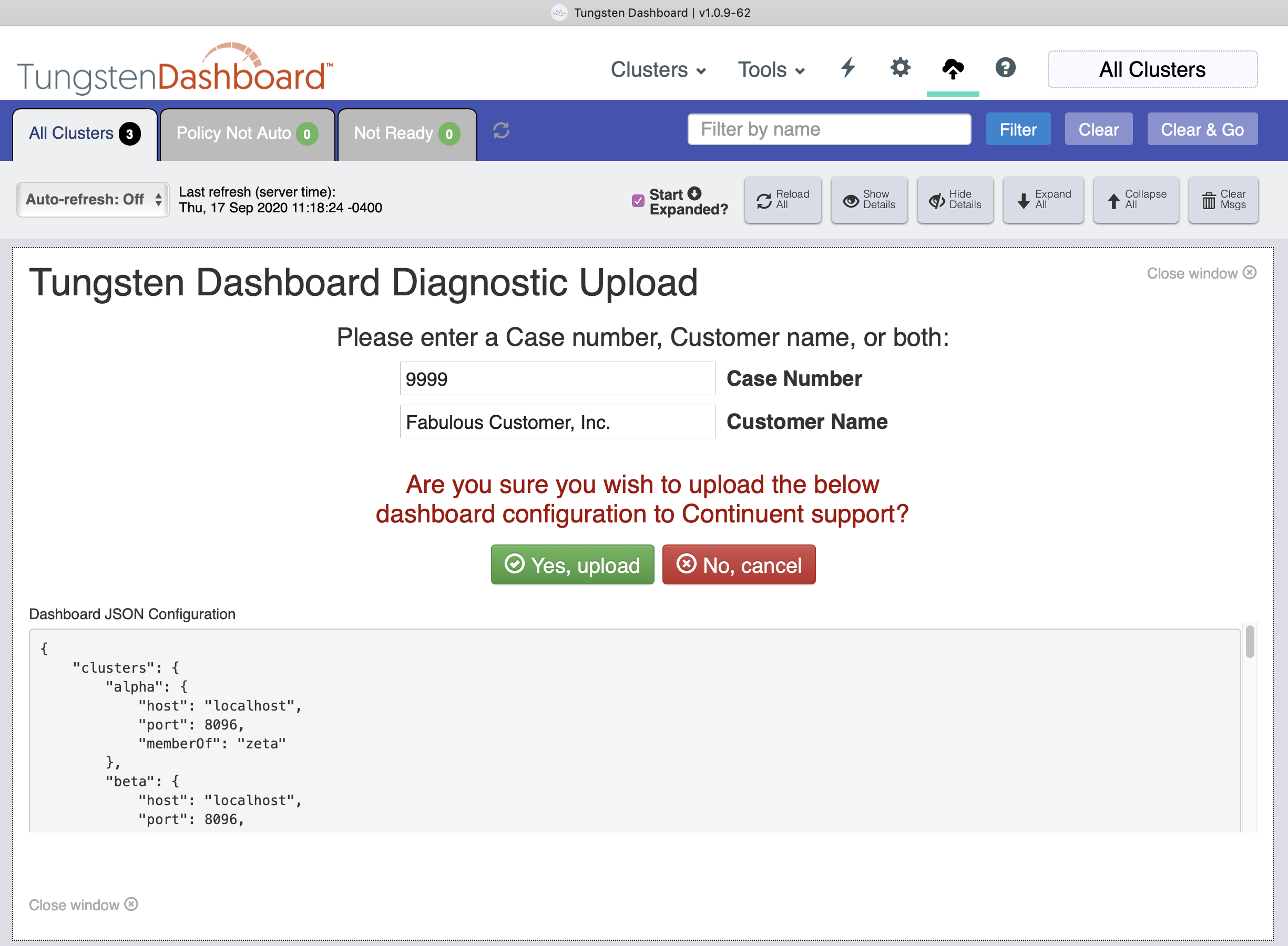
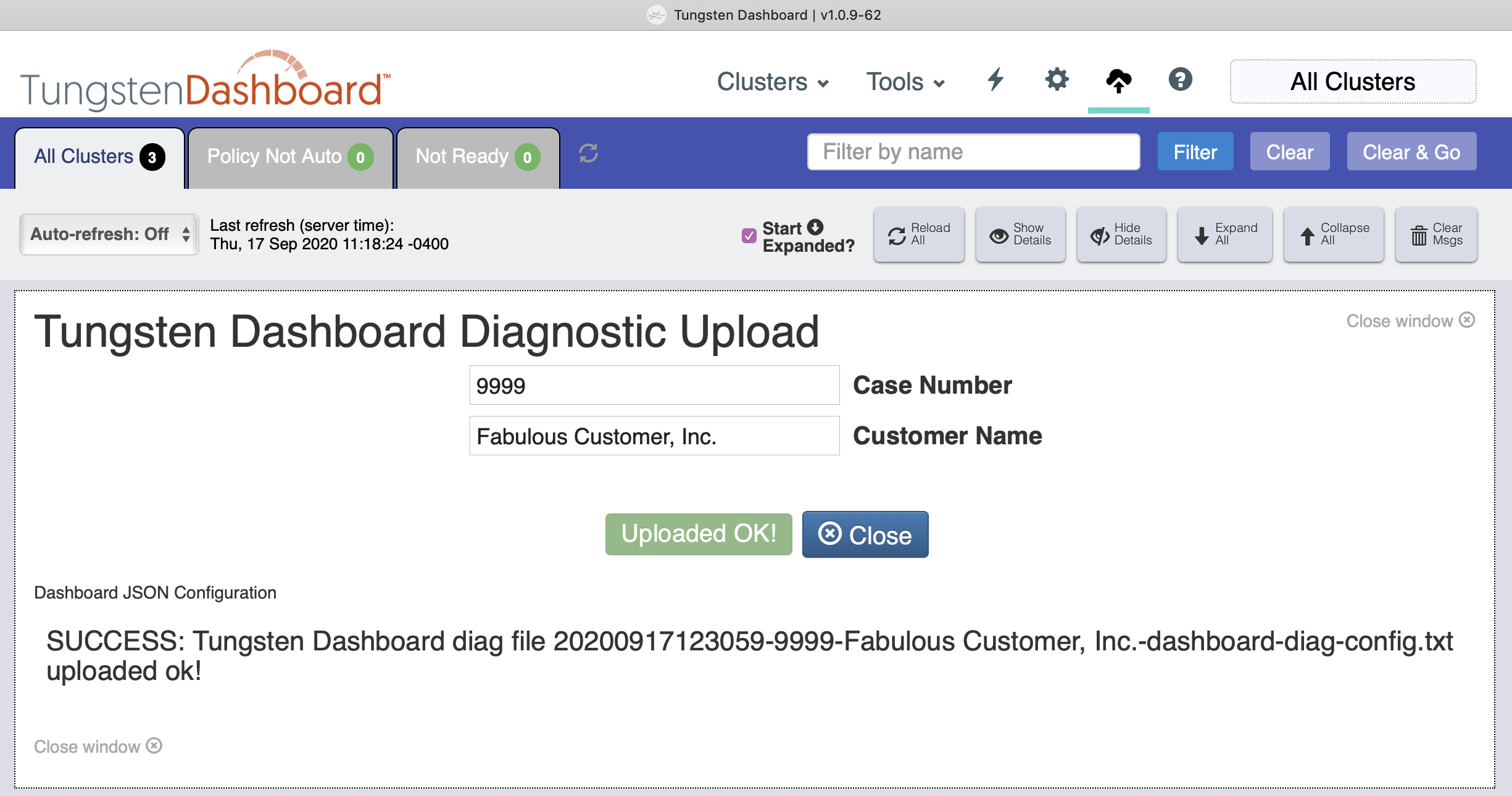
- Enter the appropriate case number and customer name then click the "Yes, Upload" button to send the diagnostic to Support.
- The diagnostic contains the JSON configuration of the dashboard.
- This JSON text is uploaded to Continuent Support's protected AWS bucket. No other customer has access to this location, it is upload-only.
- The Diagnostic feature is also available by clicking the appropriate icon in the top tool bar.
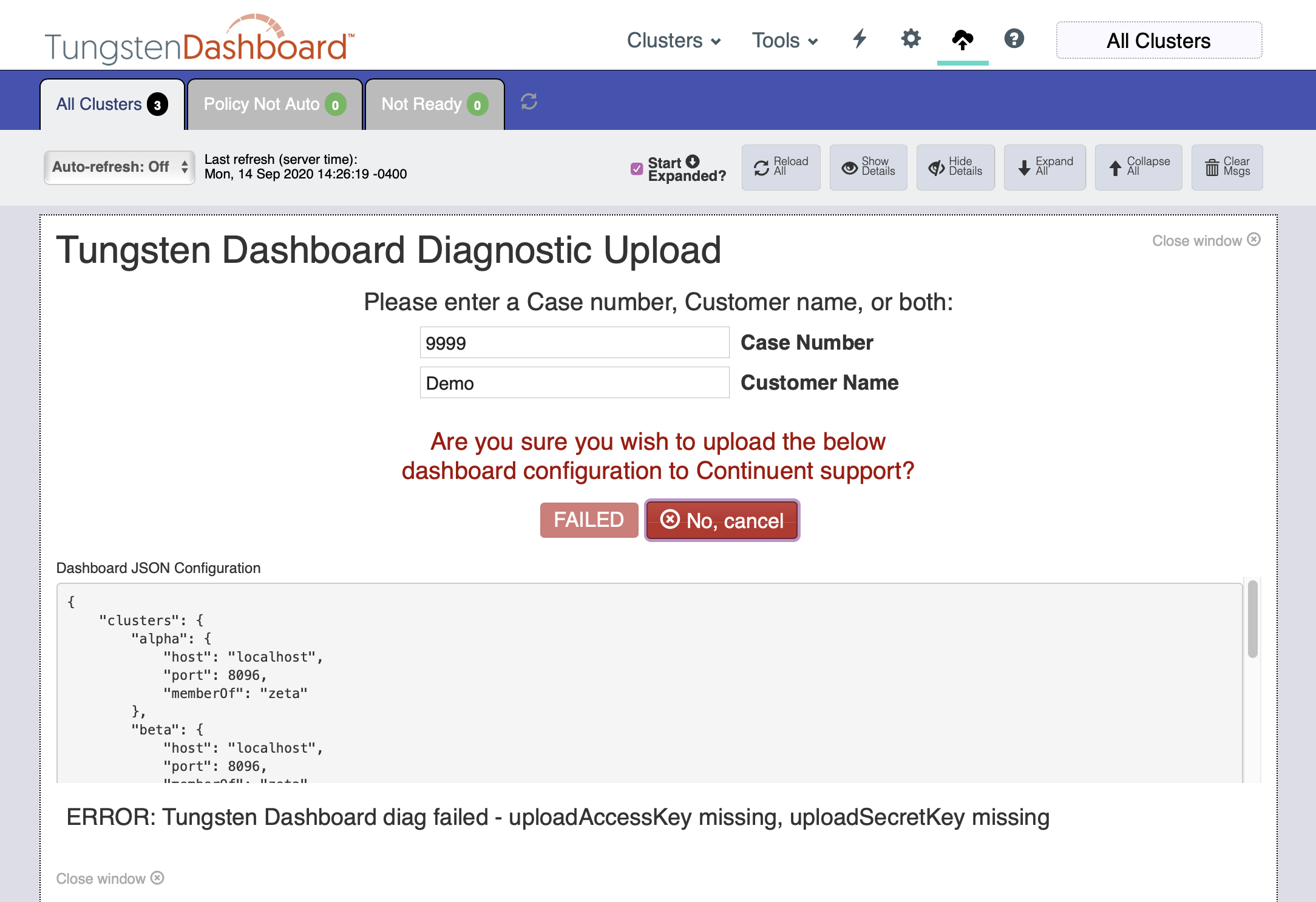
If you do not have the proper upload-specific access and secret keys configured, you would see an error like this: