Tungsten Dashboard Configuration Settings GUI Panel
Configure the Dashboard Settings via the Browser
Version availability
Available in 1.0.9 and later.
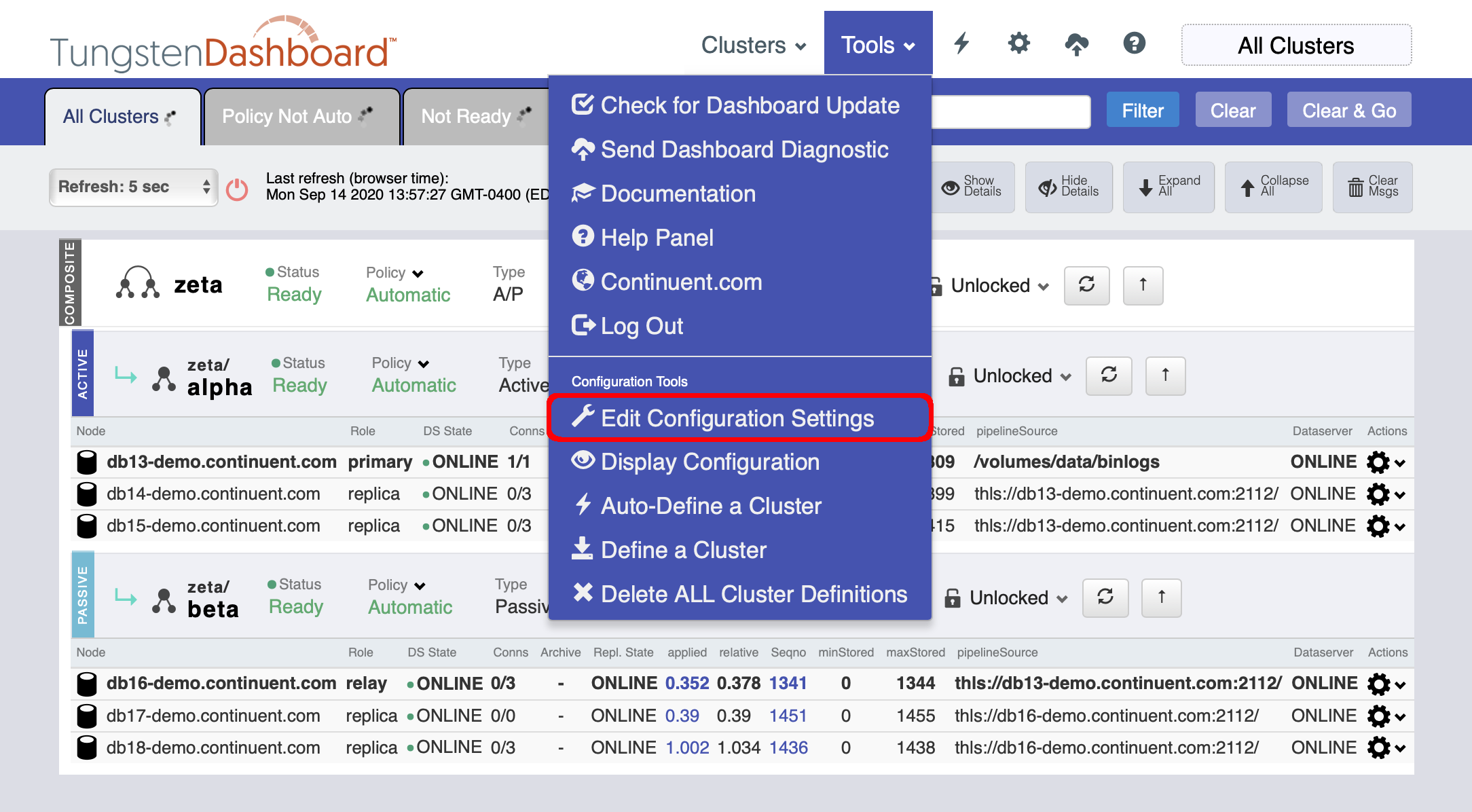
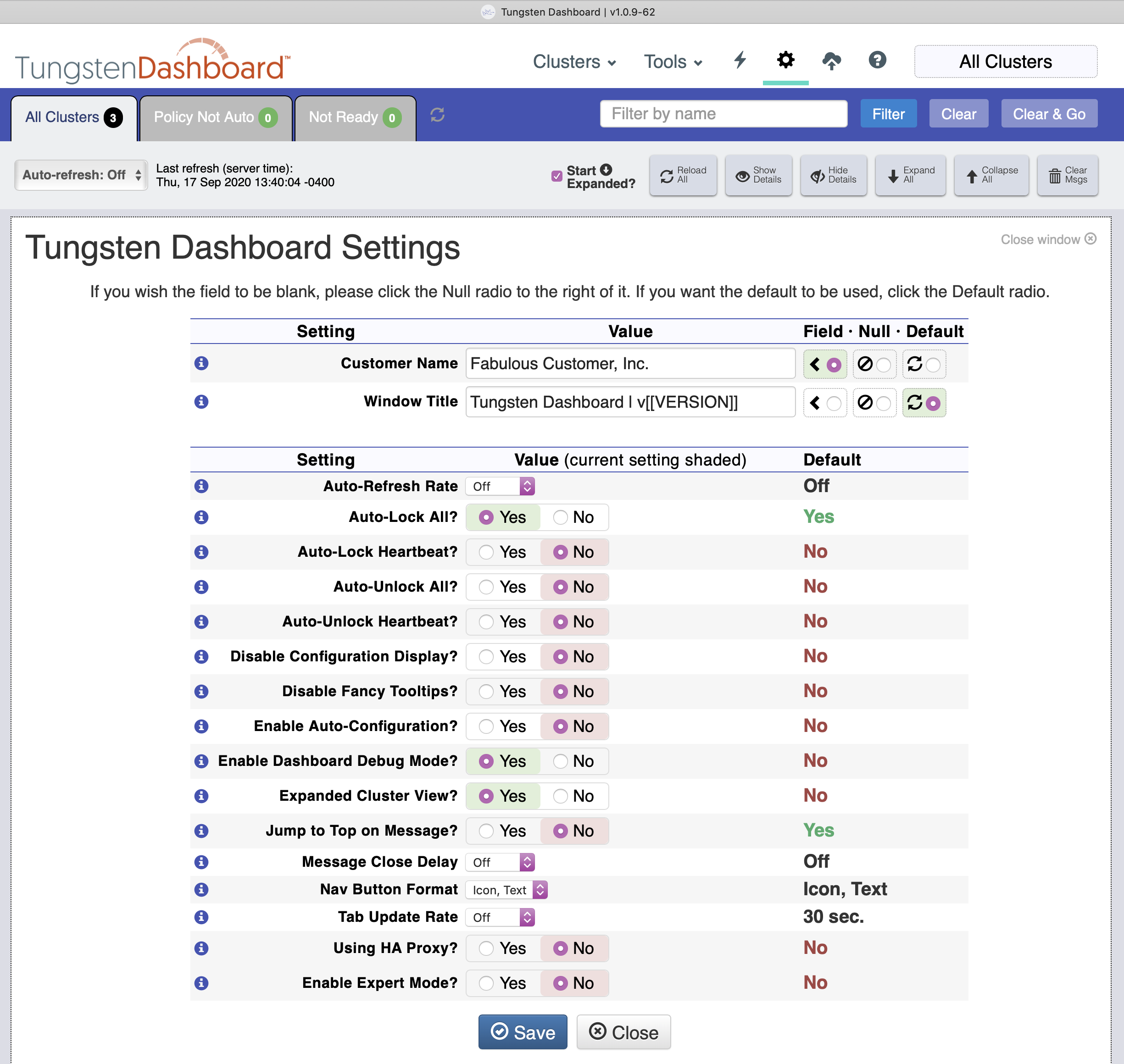
Update the desired settings then click the "Save" button to update the values on disk.
Values are stored as single JSON text files in the
{WEBROOT}/settings.d/subdirectory.You can manually edit the files in the
{WEBROOT}/settings.d/subdirectory. The page will reflect the changes on disk when refreshed.Settings Order of Precedence:
Files in
settings.dSettings in
config.jsonCoded defaults
The Edit Settings panel is also available by clicking the appropriate icon in the top tool bar.