Configure the Required APIv2 Admin User for Tungsten Cluster
If you did NOT configure APIv2 before installing or upgrading v7, you will need to perform the below Create Admin User Procedure to create and enable the required APIv2 Admin user on all database nodes!
From v8.0.0 of Tungsten Clustering, the creation of the API admin user and password is mandatory at install time
APIv2 Security Basics
Authentication is handled using username/password pairs, and an initial admin user account MUST be created on every node before the API can be used on that node.
If no admin user has been created, only the ping and createAdminUser API calls will be available.
Users created through the API are host-specific only, and will have to be re-created on each host of the cluster. At install time, the tpm command will handle populating
the API user and password on all cluster nodes when you specify the rest-api-admin-user and rest-api-admin-password options.
Create Admin User Procedure
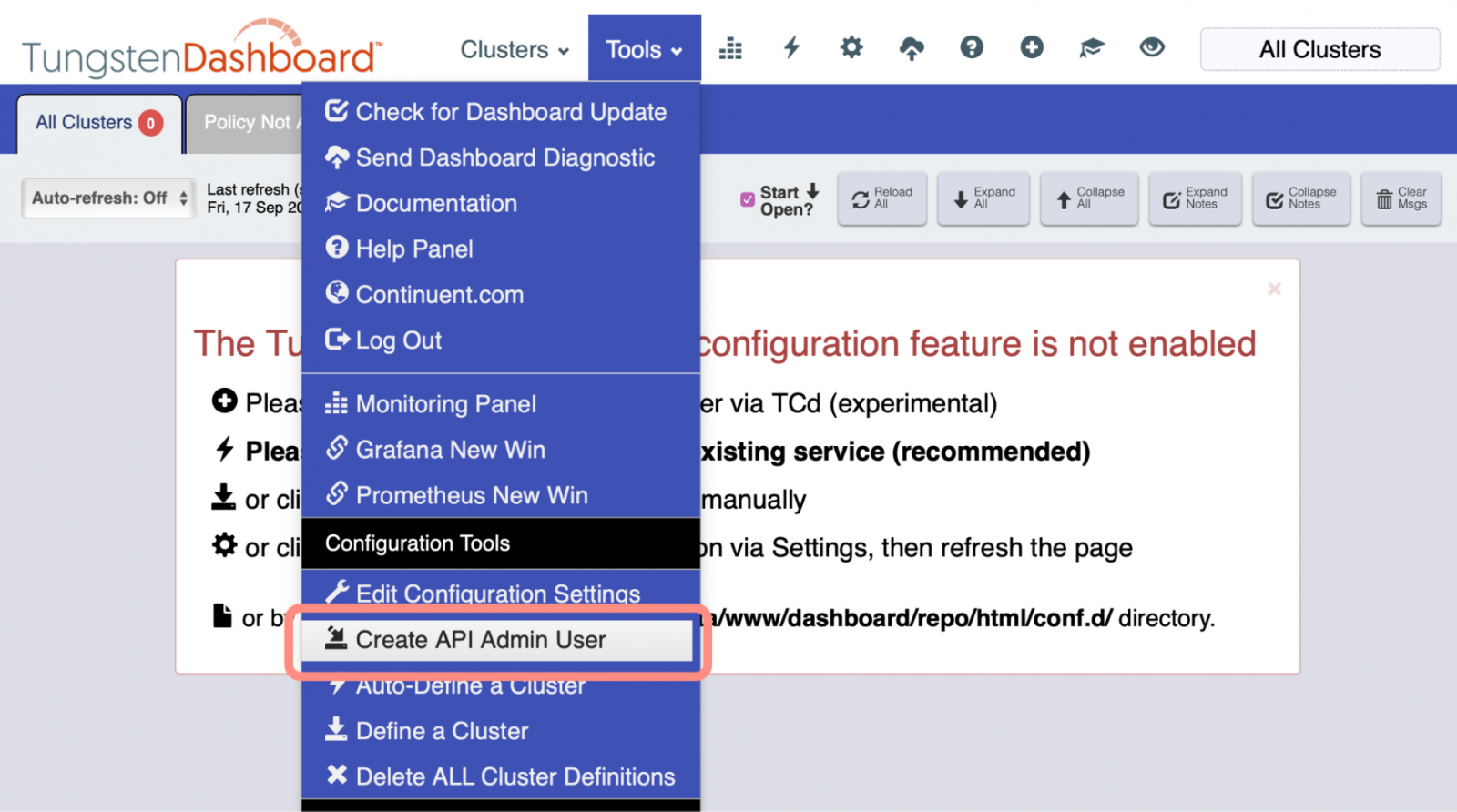
From the Dashboard GUI, select the Tools menu, then option "Create API Admin User".
Please enter the appropriate host or hosts, port, user name and password, then click the Proceed button to create the specified admin user on the designated host(s) and port. For multiple hosts, please separate with commas, spaces optional. Any spaces will be stripped out.
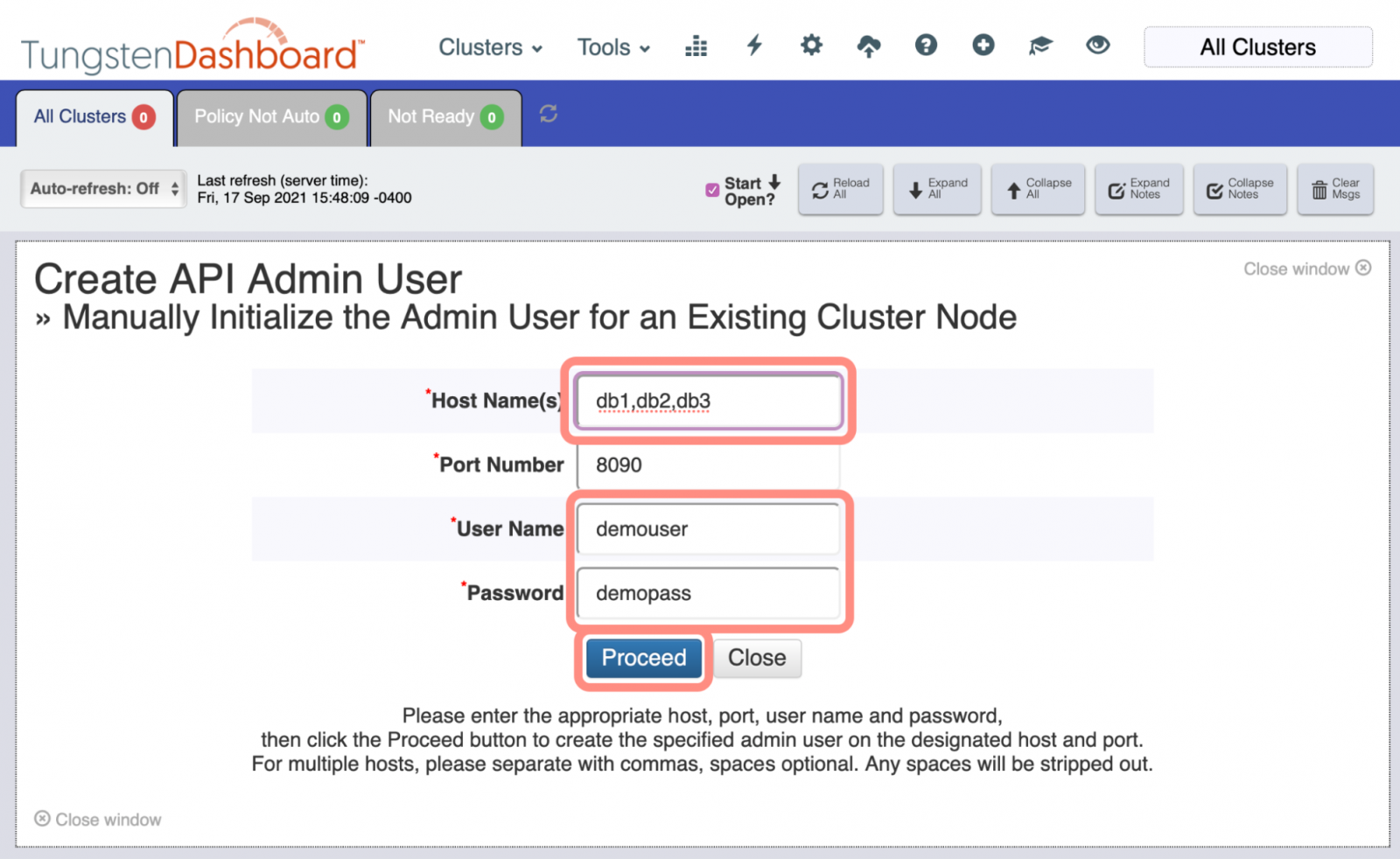
Once the above has completed successfully, record the default API User Name and API Password in the Dashboard Configuration panel, if needed, or set the user and password on a per-cluster basis.